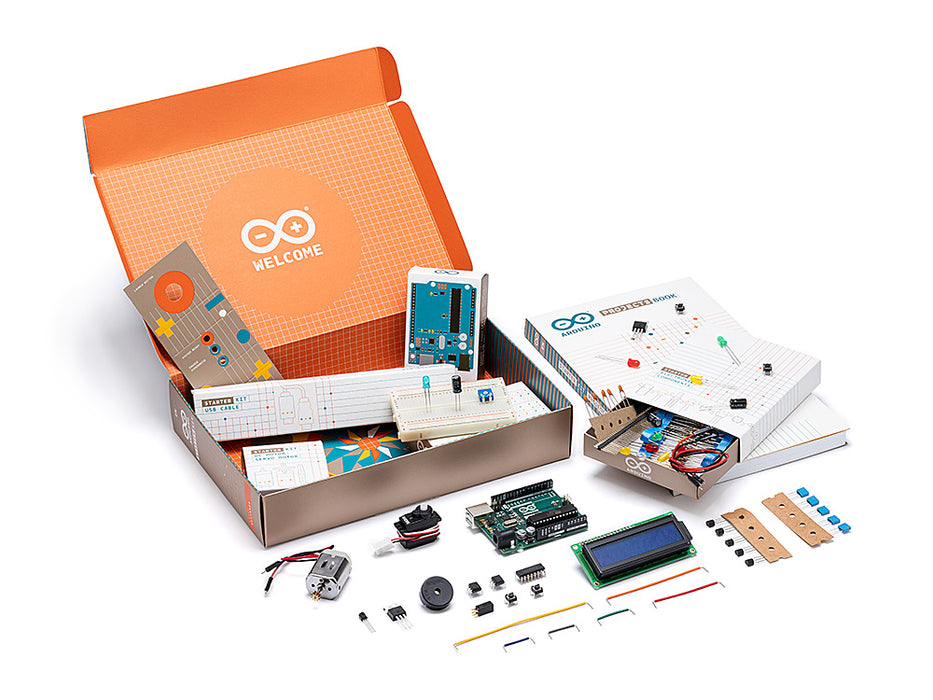
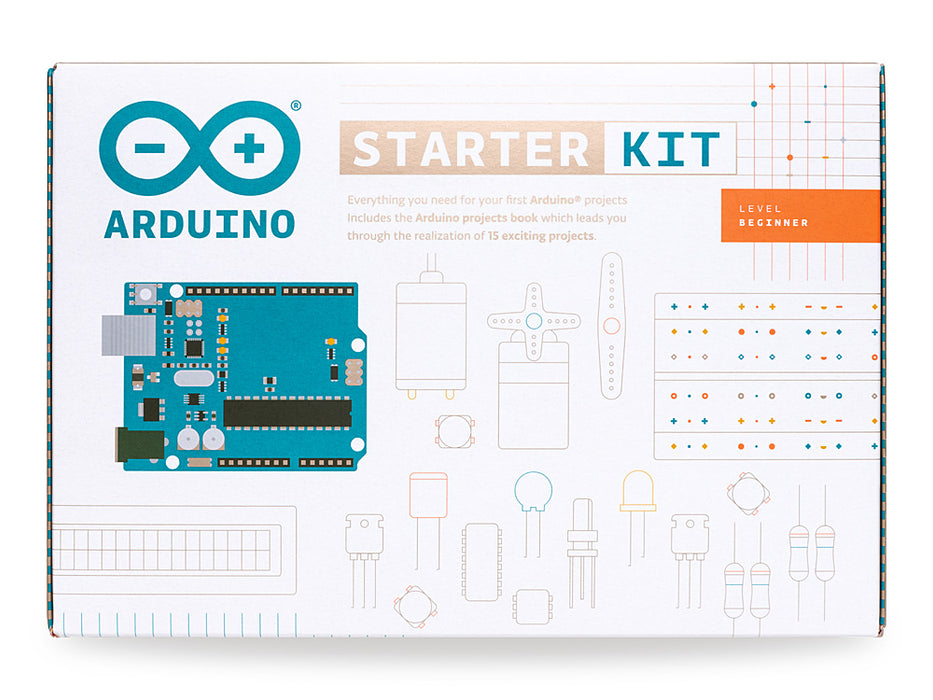
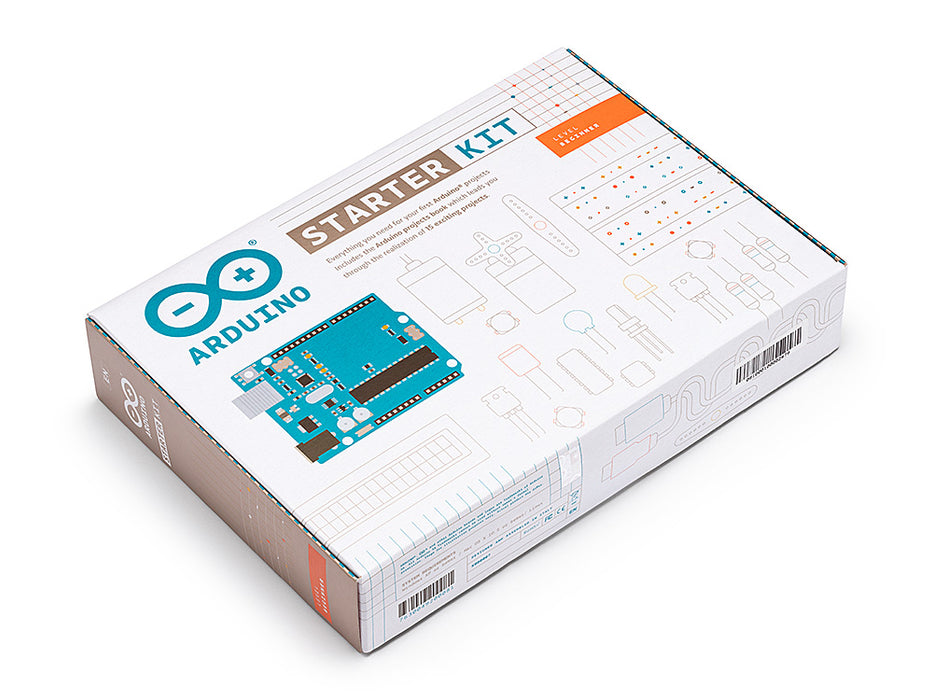
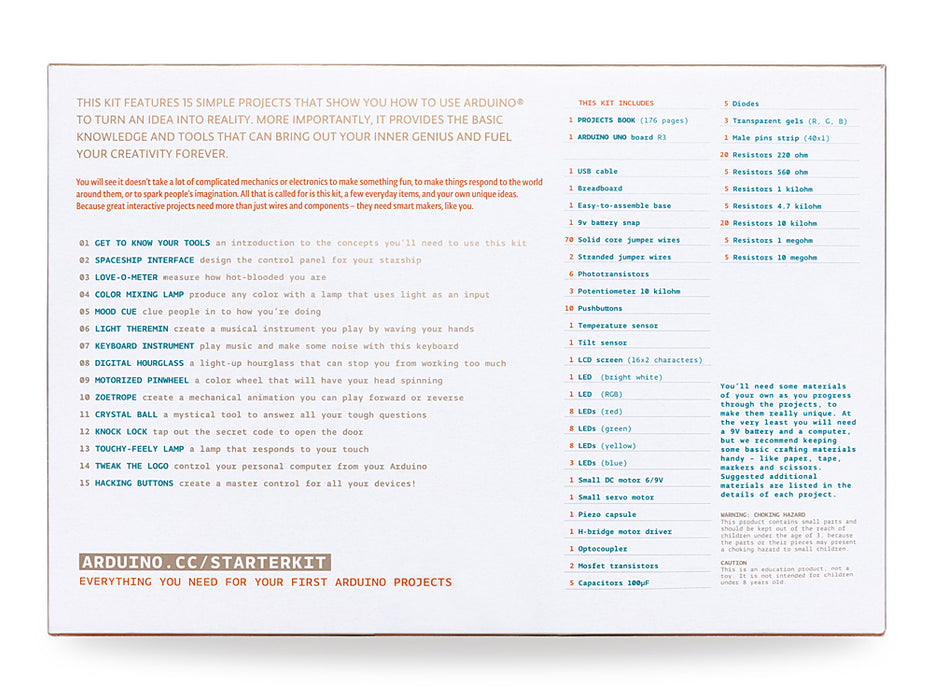
April 18, 2013, at 05:49 AM
by Katia De Coi -
Changed line 71 from:
to:
April 15, 2013, at 05:38 AM
by Roberto Guido - corrected link to LCD datasheet. Thanks Zdraví Gilhad for feedback
Changed line 47 from:
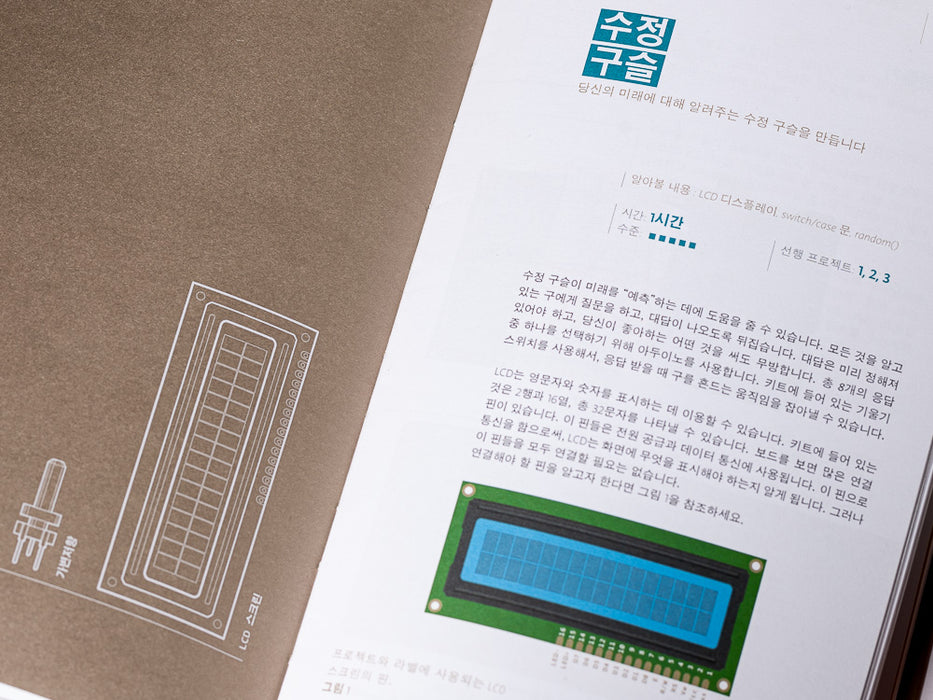
| 1 | alphanumeric LCD (16x2 characters) |
to:
| 1 | alphanumeric LCD (16x2 characters) |
January 17, 2013, at 03:58 PM
by Scott Fitzgerald -
Changed lines 75-77 from:
Look The Arduino Starter Kit gallery
to:
Look at The Arduino Starter Kit gallery
November 23, 2012, at 12:08 PM
by Roberto Guido - added comments box on bottom
Changed lines 78-80 from:
If you need support, please, visit the dedicated area in the Arduino forum section
to:
If you need support, please, visit the dedicated area in the Arduino forum section
(:div id='commentsbox':)
October 22, 2012, at 02:52 AM
by Davide Gomba -
October 21, 2012, at 04:33 PM
by Davide Gomba -
Changed line 12 from:
02 SPACESHIP INTERFACE design to control panel for your startship\\
to:
02 SPACESHIP INTERFACE design to control panel for your startship\\
October 21, 2012, at 04:06 PM
by Davide Gomba -
Changed lines 5-6 from:
Here is The Arduino Starter Kit!
to:
Here is The Arduino Starter Kit!
Changed lines 75-77 from:
to:
Look The Arduino Starter Kit gallery
October 18, 2012, at 09:39 AM
by Davide Gomba -
Changed lines 3-4 from:
http://farm9.staticflickr.com/8452/8049869861_17ce783742.jpg
to:
http://farm9.staticflickr.com/8050/8093226454_136f049919_z.jpg
Changed line 54 from:
to:
October 17, 2012, at 09:30 AM
by Scott Fitzgerald -
Changed line 45 from:
| 1 | Temperatur sensor [TMP36] |
to:
| 1 | Temperature sensor [TMP36] |
Changed line 47 from:
| 1 | LCD alphanumeric (16x2 characters) |
to:
| 1 | alphanumeric LCD (16x2 characters) |
October 10, 2012, at 06:45 AM
by Davide Gomba -
Changed line 63 from:
to:
October 04, 2012, at 06:47 PM
by Davide Gomba -
October 04, 2012, at 06:47 PM
by Davide Gomba -
Changed line 65 from:
| 3 | Trasparent gels (red, green, blue) |
to:
| 3 | Transparent gels (red, green, blue) |
October 04, 2012, at 06:46 PM
by Davide Gomba -
Changed line 38 from:
to:
| 1 | Easy-to-assemble wooden base |
October 04, 2012, at 06:45 PM
by Davide Gomba -
Changed line 39 from:
to:
October 04, 2012, at 06:44 PM
by Davide Gomba -
Changed line 39 from:
to:
October 04, 2012, at 06:43 PM
by Davide Gomba -
Changed line 64 from:
to:
October 04, 2012, at 06:42 PM
by Davide Gomba -
Changed line 60 from:
to:
| 2 | Mosfet transistors [IRF520] |
October 04, 2012, at 06:42 PM
by Davide Gomba -
Changed line 59 from:
to:
October 04, 2012, at 06:42 PM
by Davide Gomba -
Changed line 58 from:
to:
October 04, 2012, at 06:41 PM
by Davide Gomba -
Changed line 57 from:
to:
| 1 | H-bridge motor driver [L293D] |
October 04, 2012, at 06:41 PM
by Davide Gomba -
Changed line 56 from:
to:
| 1 | Piezo capsule [PKM17EPP-4001-B0] |
October 04, 2012, at 06:41 PM
by Davide Gomba -
Changed line 45 from:
to:
| 1 | Temperatur sensor [TMP36] |
October 04, 2012, at 06:40 PM
by Davide Gomba -
Changed line 42 from:
to:
| 6 | Photoresistor [VT90N2 LDR] |
October 03, 2012, at 09:58 AM
by Scott Fitzgerald -
Changed lines 5-6 from:
Here we are with The Arduino Starter Kit!
This kit walks you through the basics in a hands-on way, with creative projects you build by learning, thanks to a selection of the most common and useful electronic components with a selection of 15 projects that start from a low complexity, in order to let you learn the basic of electronic, to a more complex one, using components that let you control the physical world throw different kind of sensor.
to:
Here is The Arduino Starter Kit!
This kit walks you through the basics of using the Arduino in a hands-on way. You'll learn through building several creative projects. The kit includes a selection of the most common and useful electronic components with a book of 15 projects. Starting the basics of electronics, to more complex projects, the kit will help you control the physical world with sensor and actuators.
October 03, 2012, at 09:04 AM
by Davide Gomba -
Changed line 22 from:
14 TWEAK THE ARDUINO LOGO control your personal computer from your arduino\\
to:
14 TWEAK THE ARDUINO LOGO control your personal computer from your Arduino\\
October 03, 2012, at 09:03 AM
by Davide Gomba -
Changed line 42 from:
to:
October 03, 2012, at 06:24 AM
by Davide Gomba -
October 03, 2012, at 06:21 AM
by Davide Gomba -
Added lines 3-4:
http://farm9.staticflickr.com/8452/8049869861_17ce783742.jpg
October 03, 2012, at 06:10 AM
by Davide Gomba -
Changed lines 4-6 from:
This kit walks you through the basics in a hands-on way, with creative projects you build by learning, thanks t a selection of the most common and useful electronic components with a selection of 15 projects that start from a low complexity, in order to let you learn the basic of electronic, to a major one, using components that let you control the physical world throw different kind of sensor.
The projects presented by the kit:
to:
This kit walks you through the basics in a hands-on way, with creative projects you build by learning, thanks to a selection of the most common and useful electronic components with a selection of 15 projects that start from a low complexity, in order to let you learn the basic of electronic, to a more complex one, using components that let you control the physical world throw different kind of sensor.
The projects in the kit are:
Changed lines 27-28 from:
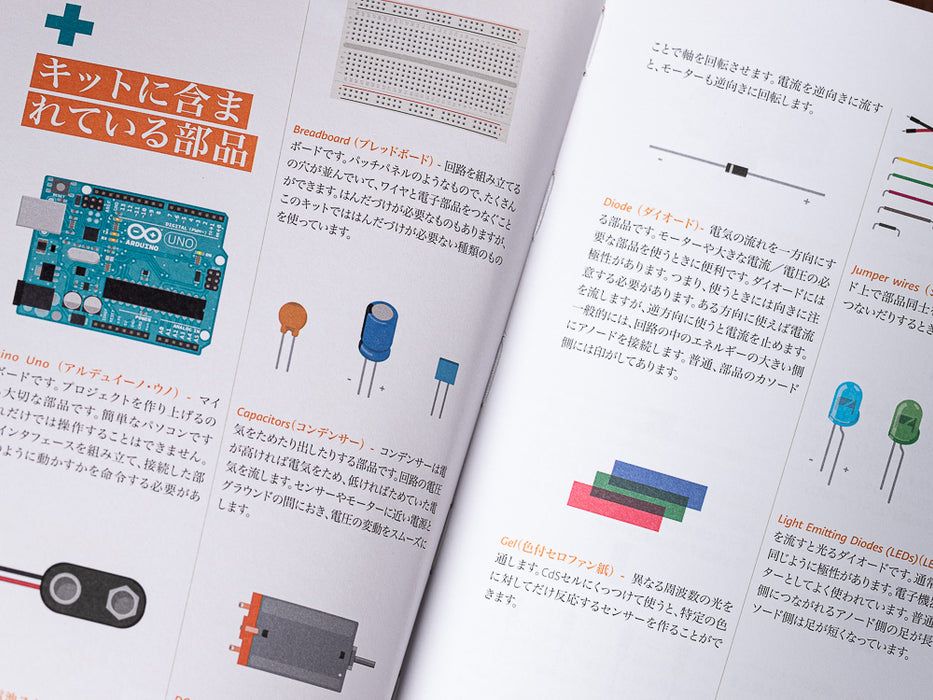
What there's in the kit is reported in the list below, clicking int he name of the component you can download the datasheet of the parts, a document that describes the design and functionality of electrical components.
to:
What there's in the kit is reported in the list below, clicking on the name of the component you can download the datasheet of the spare part, a document that describes the design and functionality of an electrical component.
Changed line 71 from:
If you need support, please, visit the dedicated area in the arduino forum section
to:
If you need support, please, visit the dedicated area in the Arduino forum section
October 03, 2012, at 06:07 AM
by Davide Gomba -
Changed lines 1-2 from:
Starter Kit
to:
The Arduino Starter Kit
October 03, 2012, at 06:07 AM
by Davide Gomba -
October 03, 2012, at 06:06 AM
by Davide Gomba -
Changed lines 49-50 from:
to:
| 1 | Small DC motor 6/9V |
| 1 | Small servo motor |
October 03, 2012, at 06:06 AM
by Davide Gomba -
Changed lines 29-71 from:
1 Arduino Projects Book (170 pages)
1 Arduino UNO board rev.3
1 USB cable
1 Breadboard
1 Easy-to-assemble
1 9v battery snap
70 Solid core jumper wires
2 Stranded jumper wires
6 Photoresistor
3 Potentiometer 10kilohm
10 Pushbuttons
1 Temperatursensor
1 Tilt sensor
1 LCD alphanumeric (16x2 characters)
1 LED (bright white)
1 LED (RGB)
8 LEDs (red)
8 LEDs (green)
8 LEDs (yellow)
3 LEDs (blue)
1 Small DC motor 6/9V
1 Small servo motor
1 Piezo capsule
1 H-bridge motor driver
2 Optocouplers
5 Transistor
2 Mosfet transistors
5 Capacitors 100nF
3 Capacitors 100uF
5 100pF capacitor
5 Diodes
3 Trasparent gels (red, green, blue)
1 Male pins strip (40x1)
20 Resistors 220 ohm
5 Resistors 560 ohm
5 Resistors 1 kilohm
5 Resistors 4.7 kilohm
10 Resistors 10 kilohm
5 Resistors 1 megohm
5 Resistors 10 megohm
to:
| 1 | Arduino Projects Book (170 pages) |
| 1 | Arduino UNO board rev.3 |
| 1 | USB cable |
| 1 | Breadboard |
| 1 | Easy-to-assemble |
| 1 | 9v battery snap |
| 70 | Solid core jumper wires |
| 2 | Stranded jumper wires |
| 6 | Photoresistor |
| 3 | Potentiometer 10kilohm |
| 10 | Pushbuttons |
| 1 | Temperatursensor |
| 1 | Tilt sensor |
| 1 | LCD alphanumeric (16x2 characters) |
| 1 | LED (bright white) |
| 1 | LED (RGB) |
| 8 | LEDs (red) |
| 8 | LEDs (green) |
| 8 | LEDs (yellow) |
| 3 | LEDs (blue) |
| 1 | Small DC motor 6/9V? |
| 1 | Small servo motor? |
| 1 | Piezo capsule |
| 1 | H-bridge motor driver |
| 2 | Optocouplers |
| 5 | Transistor |
| 2 | Mosfet transistors |
| 5 | Capacitors 100nF |
| 3 | Capacitors 100uF |
| 5 | 100pF capacitor |
| 5 | Diodes |
| 3 | Trasparent gels (red, green, blue) |
| 1 | Male pins strip (40x1) |
| 20 | Resistors 220 ohm |
| 5 | Resistors 560 ohm |
| 5 | Resistors 1 kilohm |
| 5 | Resistors 4.7 kilohm |
| 10 | Resistors 10 kilohm |
| 5 | Resistors 1 megohm |
| 5 | Resistors 10 megohm |
October 03, 2012, at 05:47 AM
by Davide Gomba -
Changed line 72 from:
If you need support, please, visit the dedicated area in the arduino forum […]
to:
If you need support, please, visit the dedicated area in the arduino forum section
October 03, 2012, at 05:23 AM
by Davide Gomba -
Changed line 39 from:
to:
3 Potentiometer 10kilohm\\
October 03, 2012, at 05:17 AM
by Davide Gomba -
Changed lines 7-25 from:
01 GET TO KNOW YOUR OWN TOOL an introduction to the concepts you'll need to use this kit
02 SPACESHIP INTERFACE design to control panel for your startship
03 LOVE-O-METER measure how hot-blooded you are
04 COLOR MIXING LAMP produce any color with a lamp that uses light as an input
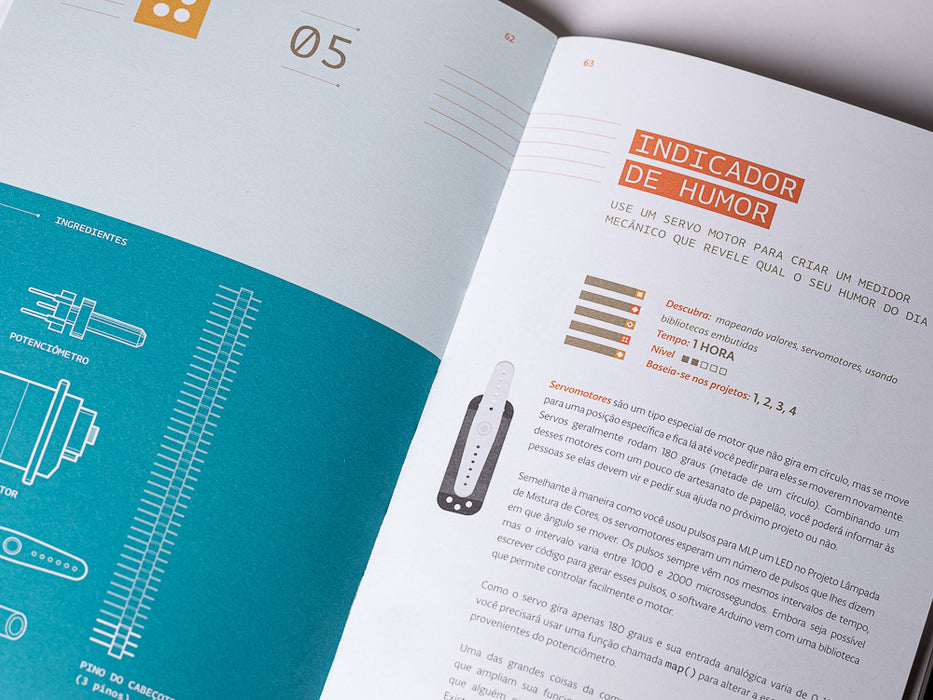
05 MOOD CUE clue people in to how you're doing
06 LIGHT THERIM create a musical instrument you play by waving your hands
07 KEYBOARD INSTRUMENT play music and make some noise with this keyboard
08 DIGITAL HOURGLASS a light-up hourglass that can stop you from working too much
09 MOTORIZED PINWHEEL a color wheel that will have your head spinning
10 ZOETROPE create a mechanical animation you can play forward or reverse
11 CRYSTAL BALL a mystical tour to answer all your tough question
12 KNOCK LOCK tap out the secret code to open the door
13 TOUCHY-FEEL LAMP a lamp that responds to your touch
14 TWEAK THE ARDUINO LOGO control your personal computer from your arduino
15 HACKING BUTTONS create a master control for all your devices!
Once you’ve mastered this knowledges, you’ll have a palette of software and circuits that you can use to create something beautiful, and make someone smile with what you invent, that is the reason why you'll find more components than the required from the book's projects.\\
Then build it, hack it and share it. Because Arduino is you!
to:
01 GET TO KNOW YOUR OWN TOOL an introduction to the concepts you'll need to use this kit
02 SPACESHIP INTERFACE design to control panel for your startship
03 LOVE-O-METER measure how hot-blooded you are
04 COLOR MIXING LAMP produce any color with a lamp that uses light as an input
05 MOOD CUE clue people in to how you're doing
06 LIGHT THERIM create a musical instrument you play by waving your hands
07 KEYBOARD INSTRUMENT play music and make some noise with this keyboard
08 DIGITAL HOURGLASS a light-up hourglass that can stop you from working too much
09 MOTORIZED PINWHEEL a color wheel that will have your head spinning
10 ZOETROPE create a mechanical animation you can play forward or reverse
11 CRYSTAL BALL a mystical tour to answer all your tough question
12 KNOCK LOCK tap out the secret code to open the door
13 TOUCHY-FEEL LAMP a lamp that responds to your touch
14 TWEAK THE ARDUINO LOGO control your personal computer from your arduino
15 HACKING BUTTONS create a master control for all your devices!
Once you’ve mastered this knowledges, you’ll have a palette of software and circuits that you can use to create something beautiful, and make someone smile with what you invent, that is the reason why you'll find more components than the required from the book's projects.
Then build it, hack it and share it. Because Arduino is you!
Changed lines 50-51 from:
to:
1 Small DC motor 6/9V
1 Small servo motor\\
Changed lines 71-72 from:
if you need support, please, visit the dedicated area in the arduino forum […]
to:
If you need support, please, visit the dedicated area in the arduino forum […]
October 03, 2012, at 05:01 AM
by Davide Gomba -
Changed lines 1-70 from:
Starter Kit
to:
Starter Kit
Here we are with The Arduino Starter Kit!
This kit walks you through the basics in a hands-on way, with creative projects you build by learning, thanks t a selection of the most common and useful electronic components with a selection of 15 projects that start from a low complexity, in order to let you learn the basic of electronic, to a major one, using components that let you control the physical world throw different kind of sensor.
The projects presented by the kit:
01 GET TO KNOW YOUR OWN TOOL an introduction to the concepts you'll need to use this kit
02 SPACESHIP INTERFACE design to control panel for your startship
03 LOVE-O-METER measure how hot-blooded you are
04 COLOR MIXING LAMP produce any color with a lamp that uses light as an input
05 MOOD CUE clue people in to how you're doing
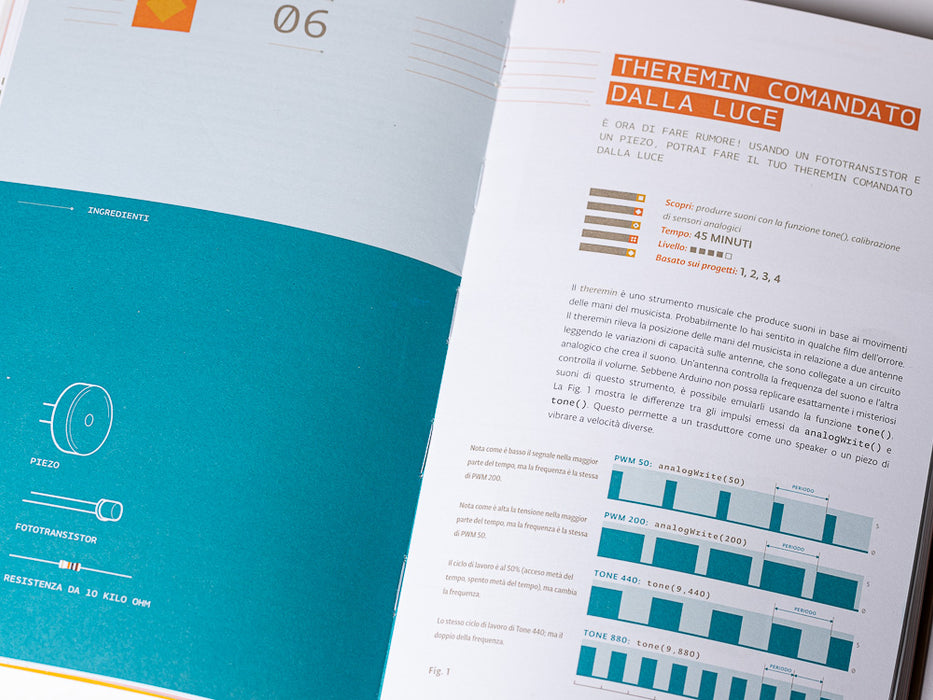
06 LIGHT THERIM create a musical instrument you play by waving your hands
07 KEYBOARD INSTRUMENT play music and make some noise with this keyboard
08 DIGITAL HOURGLASS a light-up hourglass that can stop you from working too much
09 MOTORIZED PINWHEEL a color wheel that will have your head spinning
10 ZOETROPE create a mechanical animation you can play forward or reverse
11 CRYSTAL BALL a mystical tour to answer all your tough question
12 KNOCK LOCK tap out the secret code to open the door
13 TOUCHY-FEEL LAMP a lamp that responds to your touch
14 TWEAK THE ARDUINO LOGO control your personal computer from your arduino
15 HACKING BUTTONS create a master control for all your devices!
Once you’ve mastered this knowledges, you’ll have a palette of software and circuits that you can use to create something beautiful, and make someone smile with what you invent, that is the reason why you'll find more components than the required from the book's projects.\\
Then build it, hack it and share it. Because Arduino is you!
What there's in the kit is reported in the list below, clicking int he name of the component you can download the datasheet of the parts, a document that describes the design and functionality of electrical components.
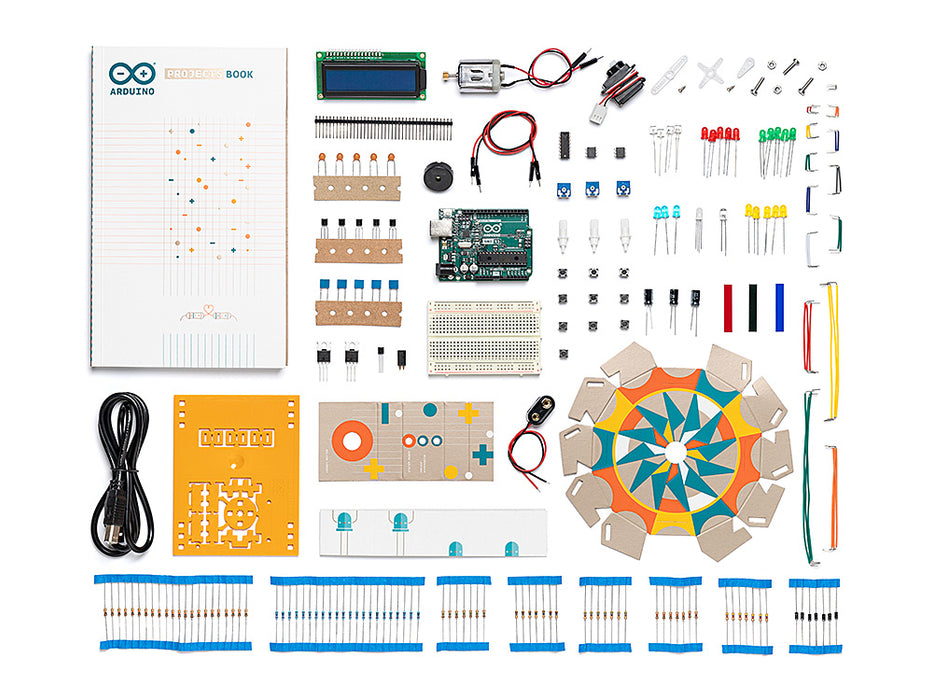
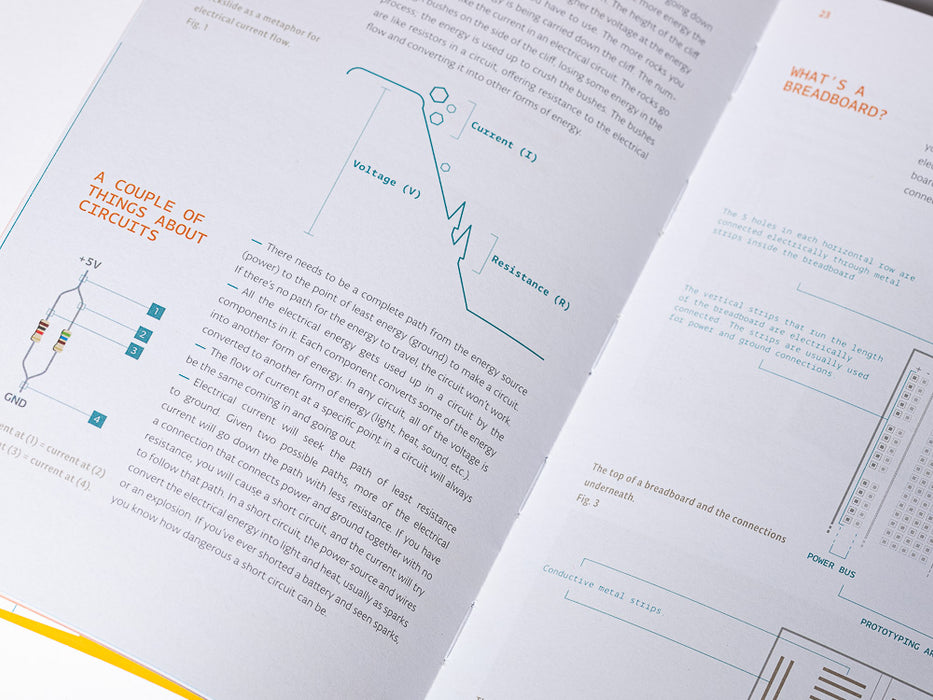
1 Arduino Projects Book (170 pages)
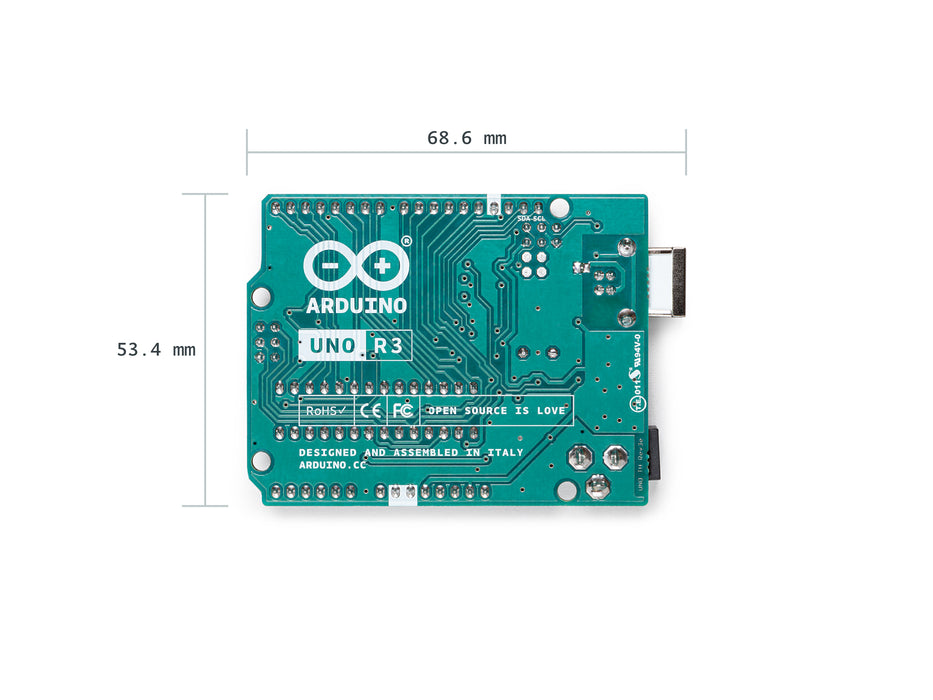
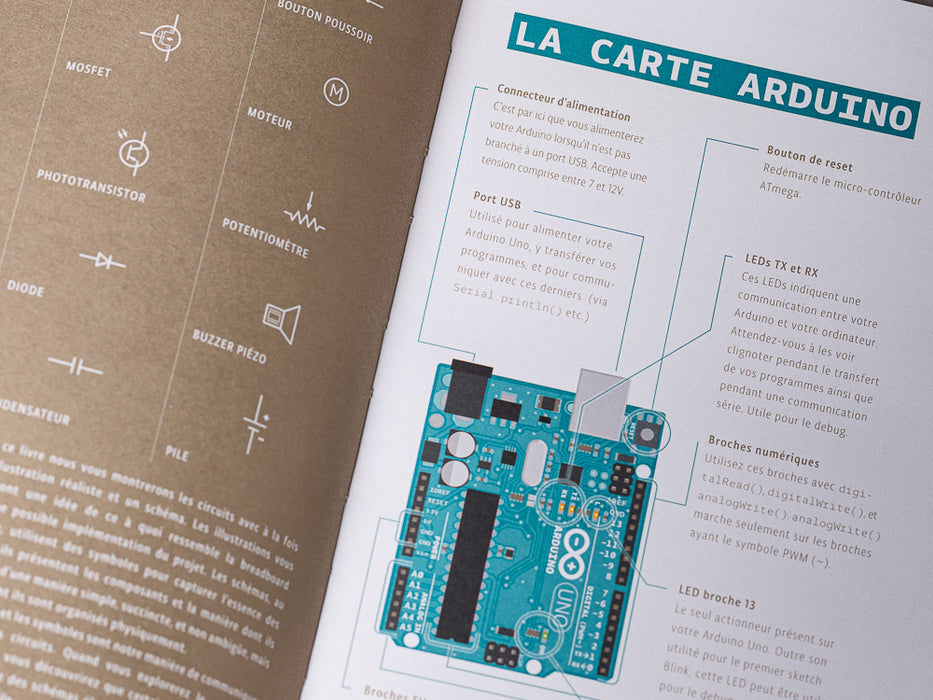
1 Arduino UNO board rev.3
1 USB cable
1 Breadboard
1 Easy-to-assemble
1 9v battery snap
70 Solid core jumper wires
2 Stranded jumper wires
6 Photoresistor
3 Potentiometer 10kilohm?
10 Pushbuttons
1 Temperatursensor
1 Tilt sensor
1 LCD alphanumeric (16x2 characters)
1 LED (bright white)
1 LED (RGB)
8 LEDs (red)
8 LEDs (green)
8 LEDs (yellow)
3 LEDs (blue)
1 Small DC motor 6/9V?
1 Small servo motor?
1 Piezo capsule
1 H-bridge motor driver
2 Optocouplers
5 Transistor
2 Mosfet transistors
5 Capacitors 100nF
3 Capacitors 100uF
5 100pF capacitor
5 Diodes
3 Trasparent gels (red, green, blue)
1 Male pins strip (40x1)
20 Resistors 220 ohm
5 Resistors 560 ohm
5 Resistors 1 kilohm
5 Resistors 4.7 kilohm
10 Resistors 10 kilohm
5 Resistors 1 megohm
5 Resistors 10 megohm
if you need support, please, visit the dedicated area in the arduino forum […]
September 21, 2012, at 01:17 PM
by Federico -
Added line 1:
Starter Kit